
Our power went out last night because of a bad storm, so I was able to get this creepy-looking night sight shot.
March 30, 2022. Captured on Google Pixel 5a.
soli Deo gloria.
Our power went out last night because of a bad storm, so I was able to get this creepy-looking night sight shot.
March 30, 2022. Captured on Google Pixel 5a.




Proof that I touch grass on occasion.
St Matthews, KY. March 30, 2022. Shot on Google Pixel 5a
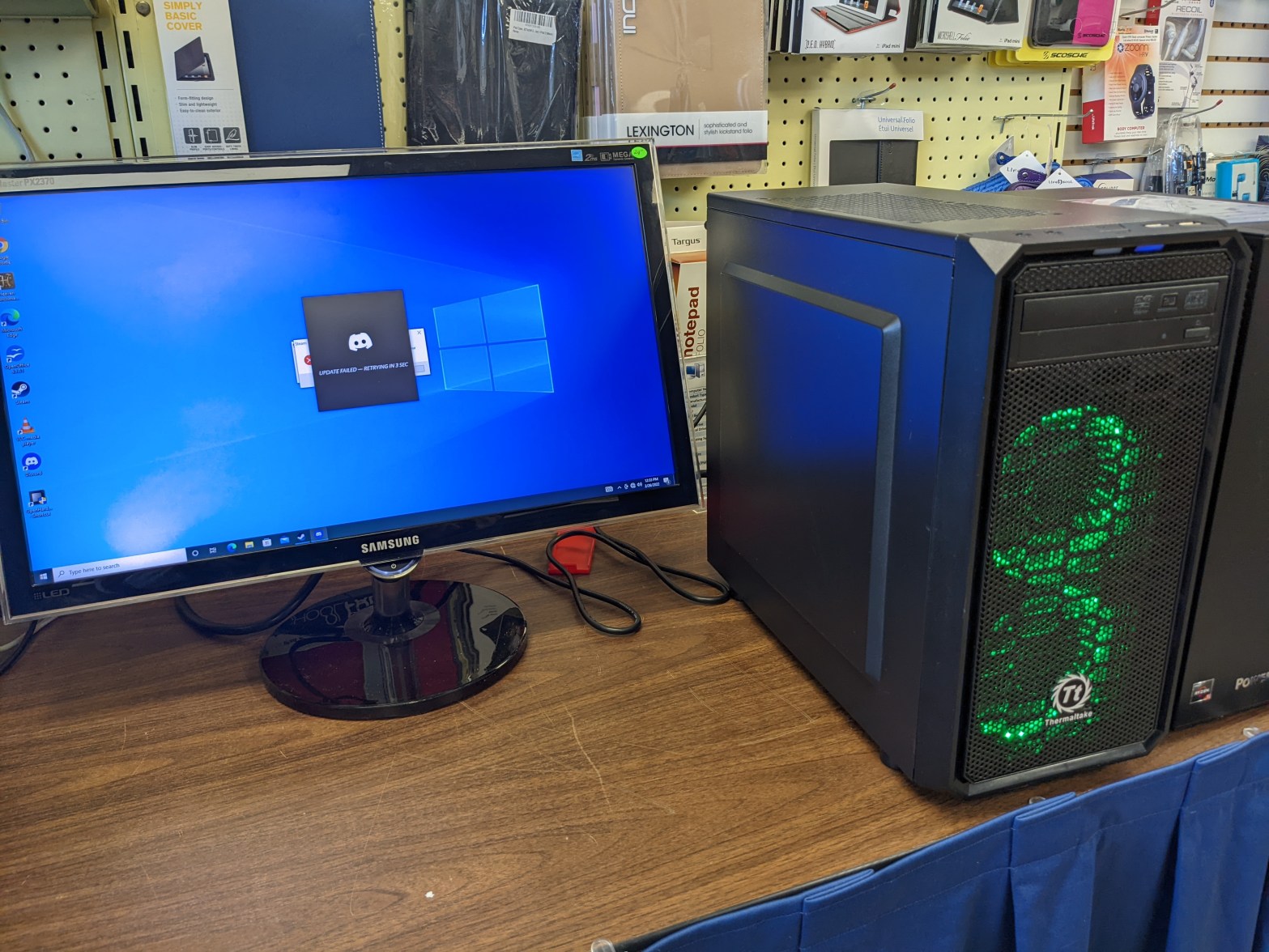
Unfortunately, I didn’t think to document much of this process while I was actually doing it; I only have a picture of the final product. Hopefully you don’t mind reading!
Every now and then people will bring in PCs to our store to sell or trade in. Usually they’re old laptops they can’t get any use out of (I can usually restore them to the point where we can sell them as budget machines, but I’ll have to talk about that some other time,) but every now and then someone brings in something cooler.
This young gentleman happened to bring in his old gaming PC. It was a custom-built job with a Thermaltake case and PSU, a Gigabyte motherboard, an Intel Core i5, and a NVIDIA GTX 1050. Decent specs for an entry-level rig, especially for its age. The problem was the dust.
This thing was dusty as all HELL. I wish I had taken a picture of it at this point, it was awful. Basically, wherever there was a way for air to get in or out, there was a thick layer of dust clogging it up, making sure that didn’t happen. Dust bunnies covered the bottom of the case, there was dust all over (and inside of) the graphics card and CPU heatsink, and don’t even get me started on the fans. This thing needed a total purge.
Though I didn’t really know where to start, I just started taking things out and trying to clean them. Let me tell you, every bit of it was a chore. It seemed like no cleaning cloth or solution on earth would get this thing to a presentable condition, but slowly but surely it was coming together. I took the CPU heatsink out and scrubbed every layer of metal with a damp paper towel, as well as the fan. I took that opportunity to repaste the CPU, who knows how long that thermal compound had been working. Next up was the graphics card.
The card was small, which was good for me since that meant not as much surface area to clean. The problem was where the dust was – it wasn’t just on the outside of the card or in the fan, it was all the way down, past the fan, past the heatsink, on the actual board, chips and capacitors. I had no choice but to start taking screws out. I took off the plate over the video ports, but the heatsink and front plate were still in the way. I feared taking off the heatsink because I had never repasted a GPU before, but if I wanted to get all the dust off, I had to. So I did; I wiped it clean, wiped the leftover thermal compound off, and faced my fears and repasted the chip.
Those were probably the hardest parts, especially putting the CPU heatsink back without ruining the thermal paste. I wrestled with the bracket for probably fifteen minutes. After that, I just had to wipe down the hard drive and its bay, the side panels, the bottom of the case, and whatever other parts of the motherboard I didn’t get while wiping down the CPU. But then there was the front panel and the intake fans.
The day before when we got the computer in, I had taken off the front panel and run some water over it and set it out to dry. It looked better, but there was definitely some dust left between the metal grate and the plastic frame behind it. Luckily, I noticed the next day that you could take off the metal grate part by bending some tabs. I took it off and scrubbed the dust out of what were crevices where they could escape my towel’s wrath. That’s probably the most noticeable improvement on the outside bar the side panels, which had their own share of stains and sticky residue before I scrubbed them with bathroom tile cleaner.
The heatsink and GPU may have been the hardest jobs, but the intake fans behind the front panel were probably the most tedious. First of all, one of them wouldn’t run at all. It would try to spin and then just sit idle, and the motor was warm to the touch. I thought it was just burned out, but after taking the fan blades out and digging some dust out of the motor, it started spinning again. I guess I’m just a miracle worker. The fan blades themselves were just annoying to try to get all the dust out of: they had this ring around them to catch the light from the LEDs around the fan which made it impossible to clean both sides of the fan blades effectively.
Eventually, though, I was able to get the PC to presentable condition and now it looks like this.
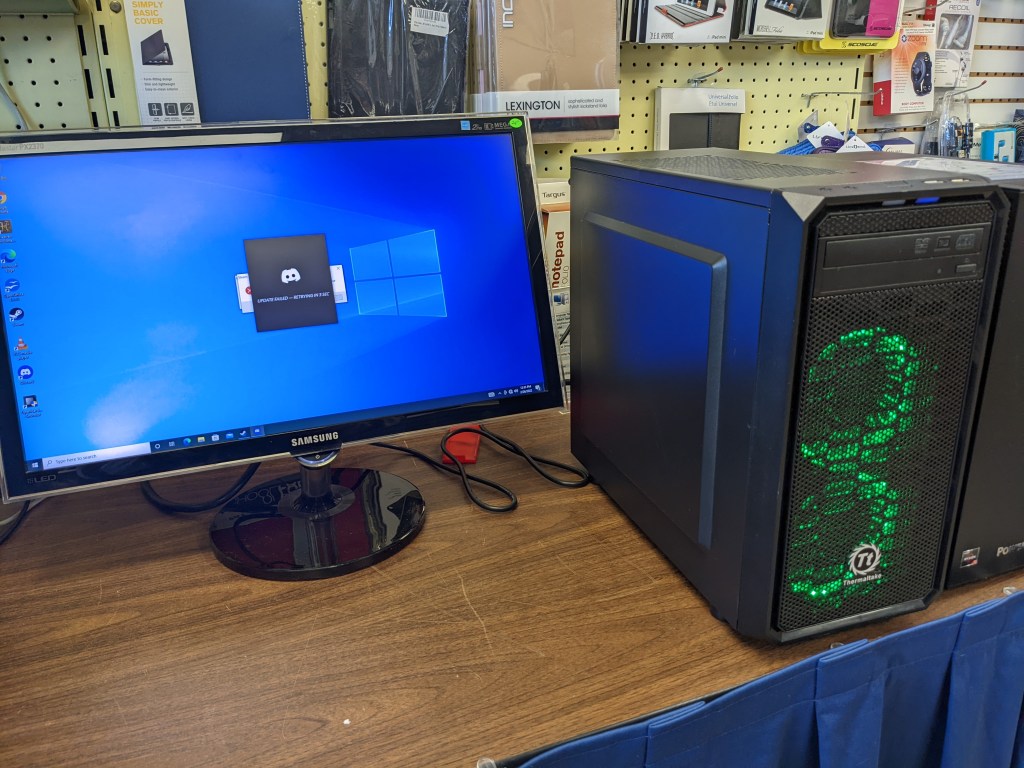
Hopefully it ends up in the hands of a gamer who loves it and takes care of it, because I don’t want all this work to go to waste!

Women have done great things for our society. Some of the most well-respected leaders in our country are women. Heck, if it wasn’t for women, you wouldn’t have been born. But arguably the best thing women have done in history is become gamer girl streamers.
Now Leah isn’t your resident clickbait machine. She’s here to play games, talk to chat, and have a grand old time. On twitch she goes by LooseWithGoose, or just Goose. She plays lots of different kinds of games, including Minecraft, The Sims, and even crappy Flash games, but she can often be found on GTA roleplay servers.

Leah may seem like an innocent streamer, but she leads a double life. In the real world, she’s Leah, but in GTA Highlife RP (She’s banned and we demand justice!) she’s a sassy southern lady named Delilah Carter, who bikes, delivers pizza, chats up guys, and much more. Actually I lied, she doesn’t lead a double life, she leads a triple life. She’s also a trucker named Stefanie who is known to frequently get her vehicle stuck on a barrier on the side of the road..
Leah’s got all the chops of a great streamer; she’s got a great sense of humor, she makes great highlights (like the one below,) and she’s great at interacting with chat. She puts a fresh and funny spin on the status quo streaming style.
I’m so proud of Leah for putting as much effort into building a brand and making great videos as she does. I have no doubt that she’s got a lot of success waiting for her and I’m excited to see where she goes from here!
Please do her a favor and check out her Twitch and YouTube, you won’t regret it!

This is probably the most awesome screenshot I’ve ever gotten.

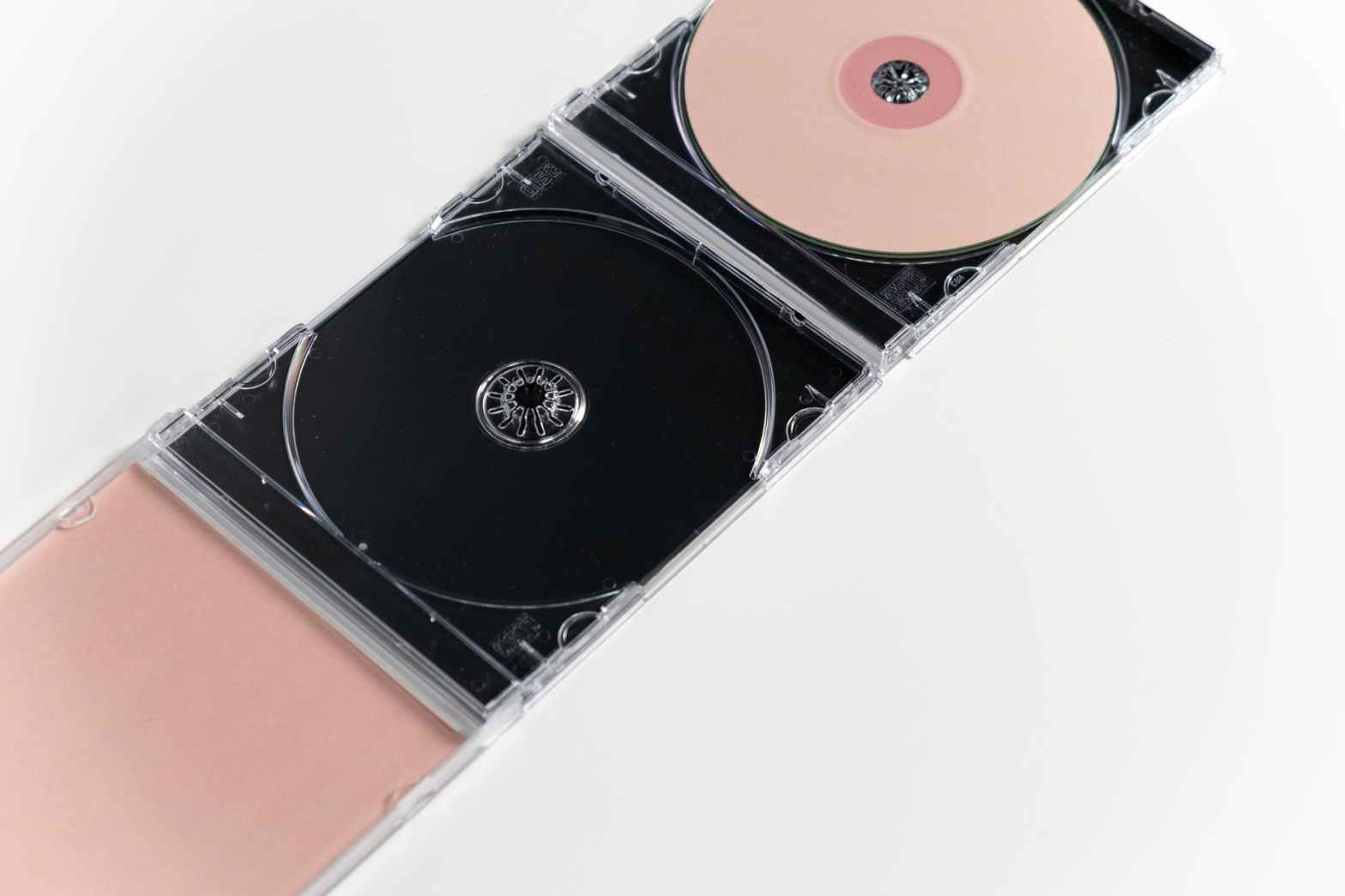
WARNING: FIRST-WORLD PROBLEMS AHEAD! TURN BACK NOW IF YOU’RE EASILY OFFENDED!
Remember my last post where I mentioned someone dropped off a bunch of tech goodies at our store? One of those things was a big plastic CD tower, the kind where you can slot in your CD cases so you can see the labels easily. I took it home and put in my CDs, but some of them wouldn’t fit.
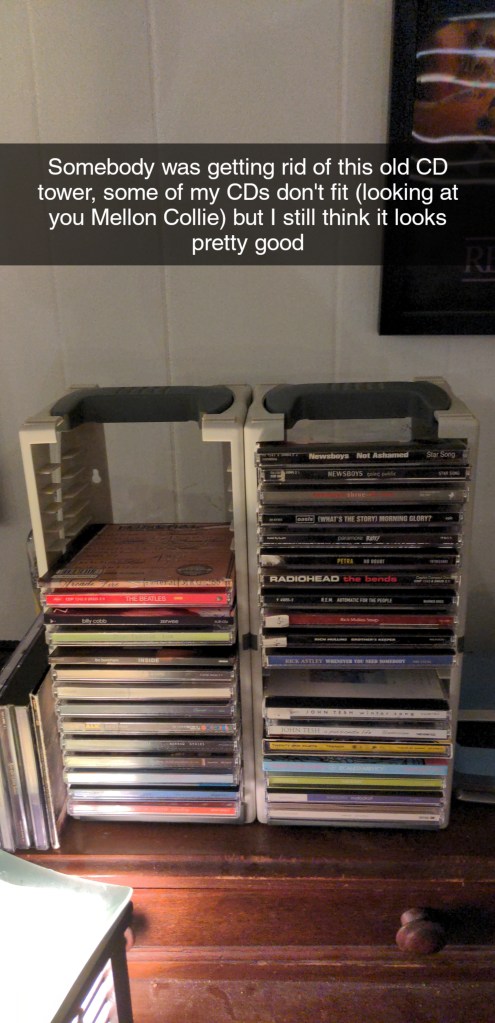
If you look closely, you can see in the CD cases I stacked next to the tower that one of them is taller than the others. That’s Coldplay’s Viva La Vida, the digipak version. I don’t know who at Capitol Records thought it would be a good idea to make the cardboard sleeve a whole damn half an inch wider, but because of that I can’t put it in my tower, and the collection will forever look just a little bit incomplete. Well, at least until I find a different case for it, or get a different display. But then there’s Mellon Collie.
The Smashing Pumpkins’ Mellon Collie and the Infinite Sadness is a very long album, and as such it was released on two discs. That means it couldn’t fit in a standard CD case, so it’s in a special double-wide case. It’s not alone either, many double-length albums are in similar cases. Unfortunately, the manufacturers of both the CD case and the tower didn’t account for each other or collectors like me.
That got me thinking about all the other grievances I have as a CD collector. As a preservationist, nothing scares me more than my media suddenly becoming unreadable. Unfortunately, it’s a fallen world, and there are certain things we can’t avoid. One of those things is disc rot, when a CD becomes unreadable because of damage or exposure to certain chemicals or environmental conditions which leave it vulnerable to oxidation.
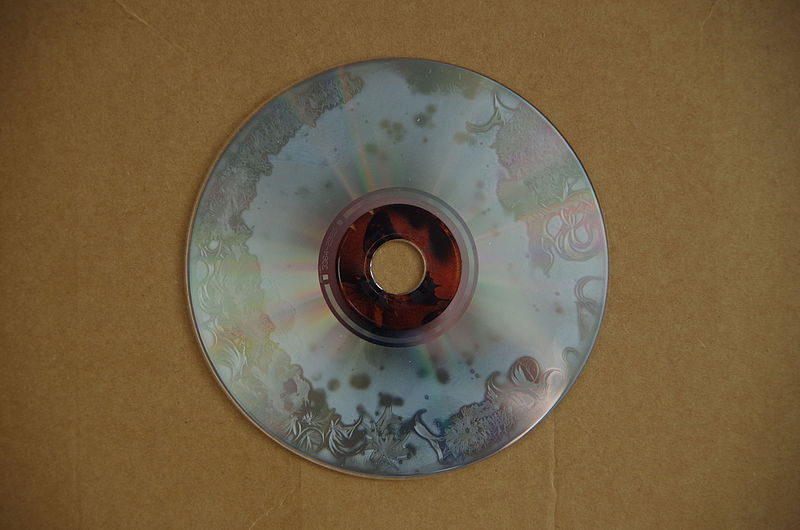
I try to keep my CDs in the best conditions I reasonably can, but all CDs will degrade after long enough. There are archival-grade CDs out there, but no retail music CDs are made of that grade. The fact that one day my entire collection could be wiped out for good terrifies me. I do rip my CDs to my PC in AIFF format using iTunes, but there’s something special about having and playing the original copy.
But besides data loss concerns, there are other things that are annoying about CDs. For one thing, the hinges on CD cases are ridiculously easy to break. Ask any CD collector, they all have at least one CD case with a broken hinge. It really hurts when it’s a CD you love or have a lot of memories with; my copy of Trench by Twenty One Pilots has a broken hinge, and around the time it was released I was a TØP fanatic. I found so much comfort in their music and the community. One of my best friends at the time helped me pre-order the CD (and cassette tape, which is insanely cool.) Unfortunately, because that CD got a lot of use, that made it become prone to breaking.
I don’t think I have to even tell you how easy it is to scratch CDs. Just setting a CD down label-up on a table, even one that’s perfectly smooth, can scratch it. Heck, I think I’ve even scratched a few CDs by putting them in and taking them out of a CD player. And of course, when you lend a CD to a friend, as soon as you get it back it looks like this:

I’m not saying I don’t like CDs or collecting them. I love them, they provide the easiest and best way to buy copies of high-quality digital audio (seriously, CD quality audio is insanely good. I can’t tell the difference between a CD and digital masters most of the time.) But like any music format, CDs aren’t perfect.
Now who wants me to roast vinyl next?
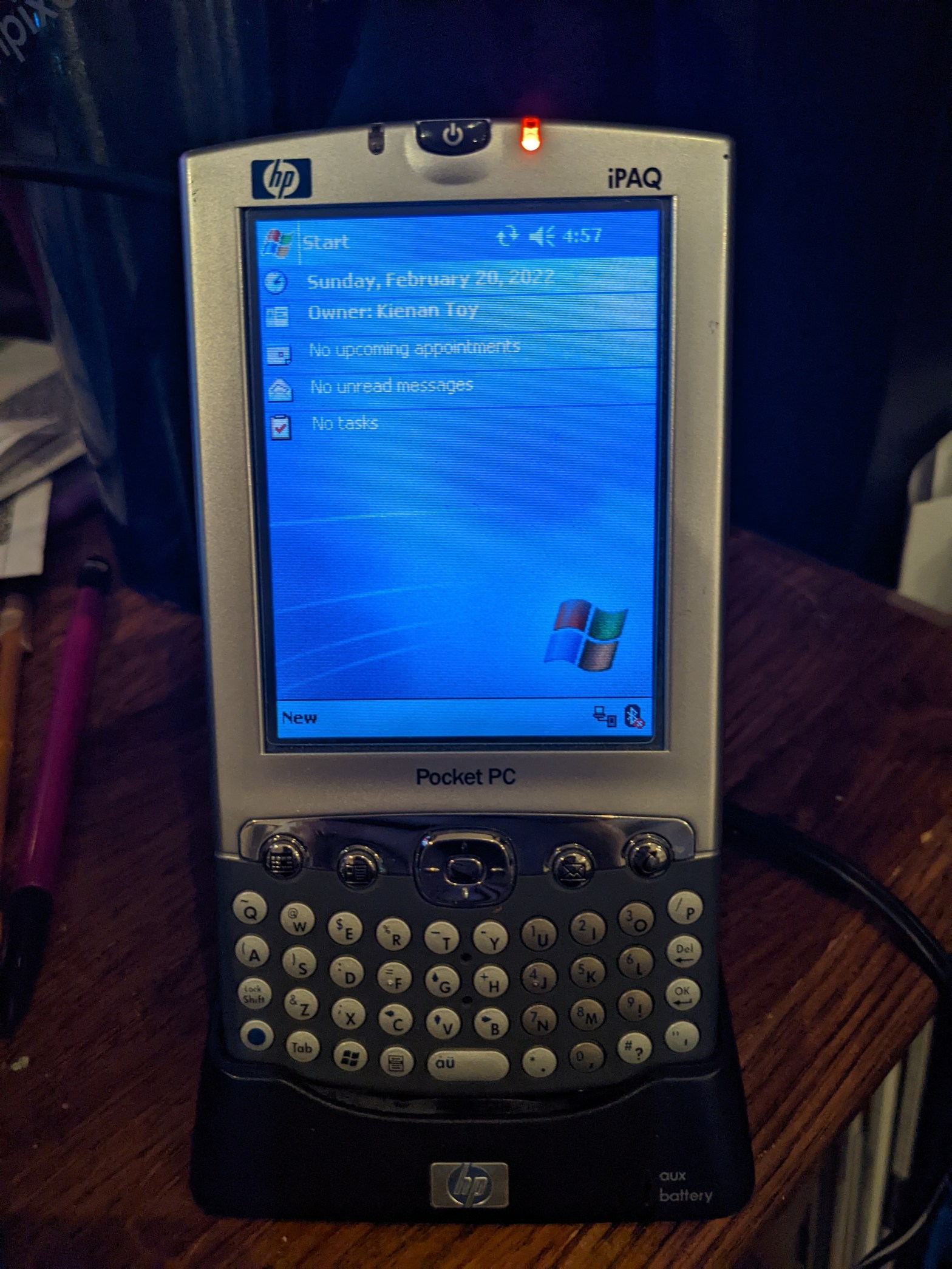
Before smartphones like the iPhone dominated the mobile computing industry, oftentimes power-users who needed to get stuff done on the go would share their pocket space between their cell phone and something like this.
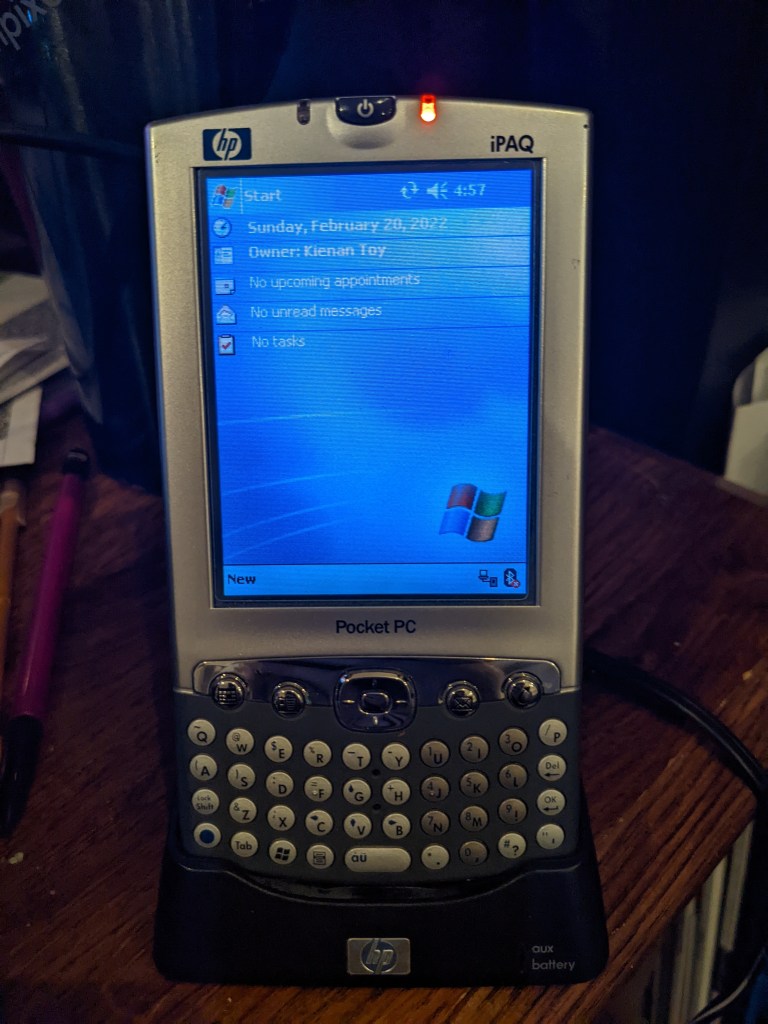
This is the iPaq, a “Pocket PC” by HP. Really, it’s just a PDA (Personal Digital Assistant, not public display of affection,) but it was adorned the Pocket PC name because it actually runs Windows.
It might not be the version of Windows you’re used to seeing on a desktop or laptop computer, but deep down it’s running a lot of the same code, though admittedly a much more optimized version of it for much less powerful hardware. Think of it as more of a predecessor to Windows Phone, because that is indeed what it is. Windows Mobile eventually became Windows Phone. Don’t get it confused though, this isn’t a phone. It’s simply a digital organizer with a few tricks up its sleeve.
Funnily enough, I actually got this specimen because a friend of my boss’s dropped off a box of tons of tech goodies yesterday, including an Iomega ZIP drive and quite a few disks, some X10 home automation stuff, a boxed copy of Windows 7, and the crappiest little camera I’ve ever seen, which I’ll definitely be covering someday. He told me I could look through it and pick out whatever I wanted, and the little iPaq stuck out to me like a sore thumb. It came in a plastic baggie with its dock, charger, and some sort of reference manual about the thickness of an actual phone book.
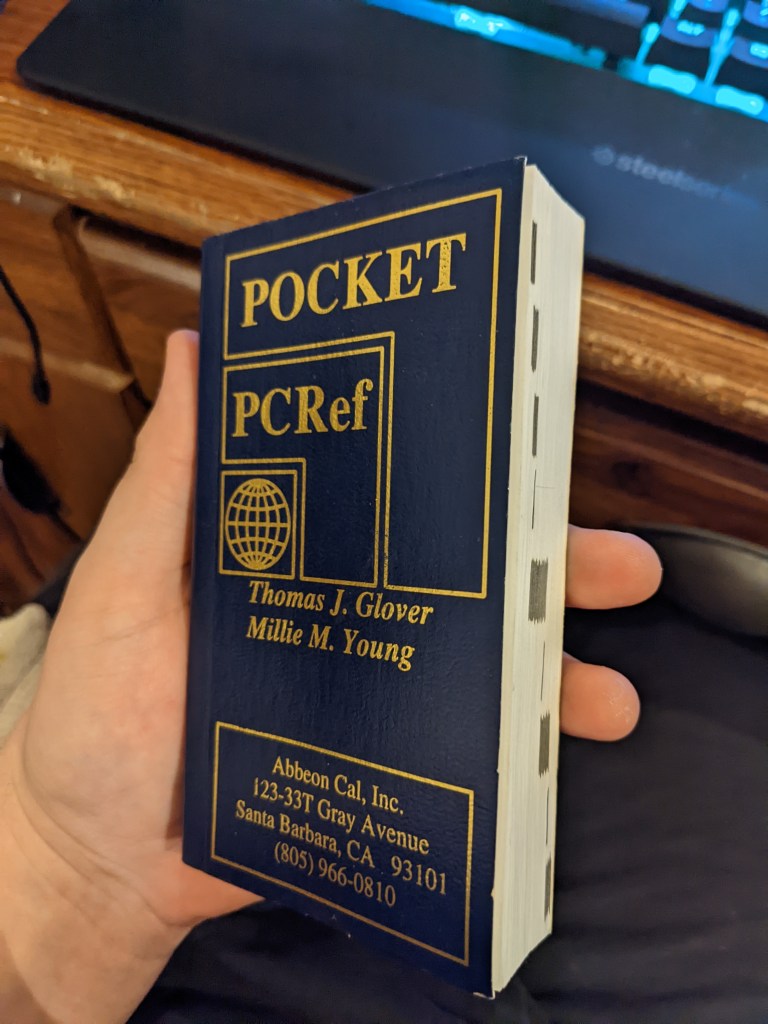
Seriously, this thing is a chonkster, and even after flipping through it I still don’t have much of an idea of what it’s actually for. It’s filled with a lot of codes and program names.
Getting this thing to work was kind of a pain in the butt. Yeah, surprise-surprise, technology from around the time I was born doesn’t work that well with modern operating systems. Nevertheless I was able to get it to work by downloading a program Microsoft doesn’t even host anymore from a sketchy website and downloading a Windows 10 patch for the program from an even sketchier website.
How is it to actually use? Well, the best thing I can compare it to is a Nintendo DS. You know how the screen on the DS wasn’t really like a modern phone screen and you had to press kind of hard for it to register? It’s the same type of screen here, though HP did a good job of making it feel more premium. The physical keyboard is amazing to use, the buttons are perfectly clicky, and believe it or not, it lights up!
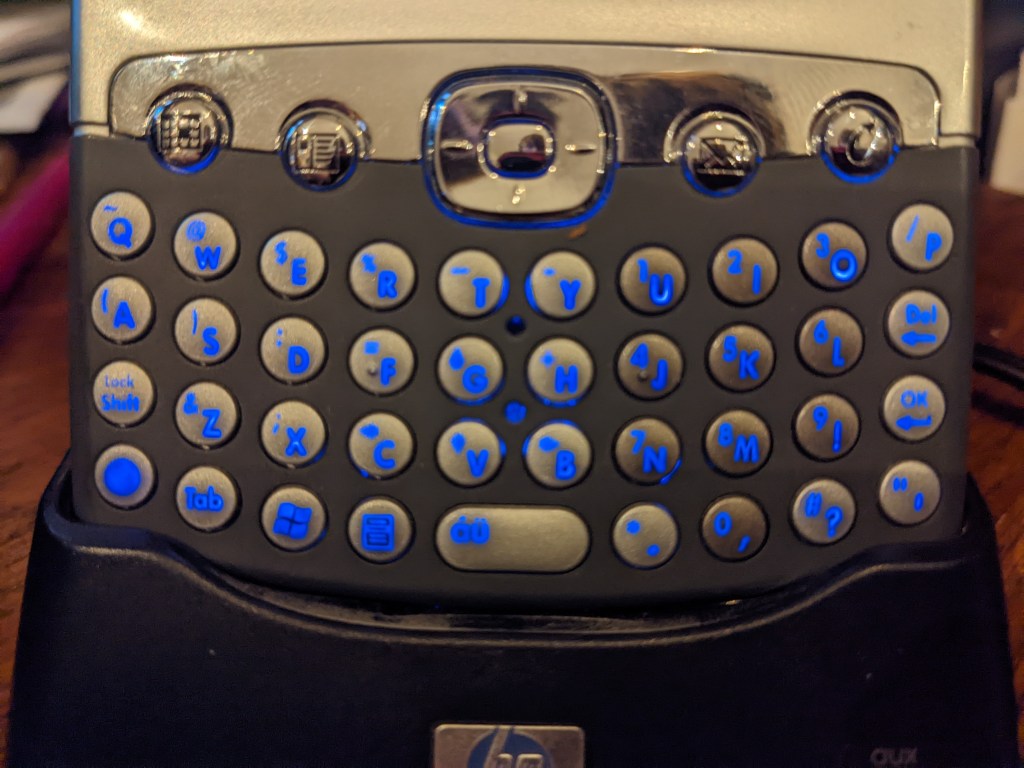
The OS is snappy and makes pleasant bleeps and bloops as you poke around it. There’s a surprising amount of stuff you can do with it, too. You can play MP3s and videos with Windows Media Player (though you’re limited to WMV format unless you can get a third-party player to work, which I haven’t yet), make documents and spreadsheets with Pocket Word and Excel, and if you have an older version of Outlook on your PC, you can sync your email inbox, notes, calendar, and contacts and have all of it with you on the go. The WiFi on it is kind of old and weird so I can’t get it to work with our super-modern router, but theoretically it can still browse the web with Internet Explorer. Also, since it’s running Windows, you can still find plenty of apps for it archived over the years for things like GPS, reading ebooks, and even some games.
You’re probably thinking to yourself, “What’s the point if I can just do all this on my phone?” And you’re right to think that way, there’s no point in seriously doing any of this. We’ve progressed so far with technology that using this thing is more of a hindrance than a convenience anymore, but I just think it’s so cool to be able to take a glimpse into life before the iPhone and see how tech enthusiasts got their fix before the magic of technology all but wore off from oversaturation. Plus, it might make a cool music player for my car or something.
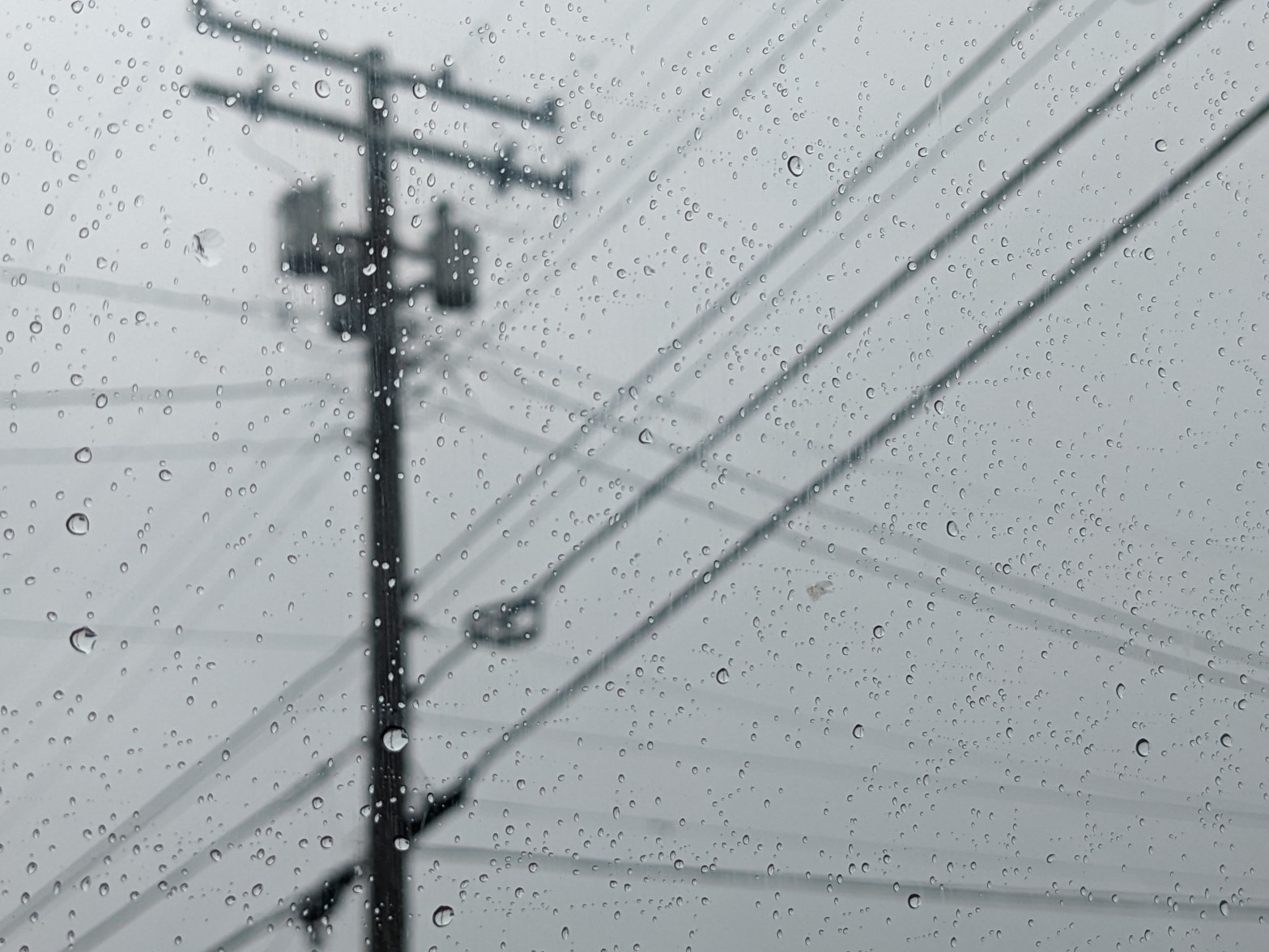
I tried to experiment with having the raindrops in and out of focus and I think it made a very cool effect.
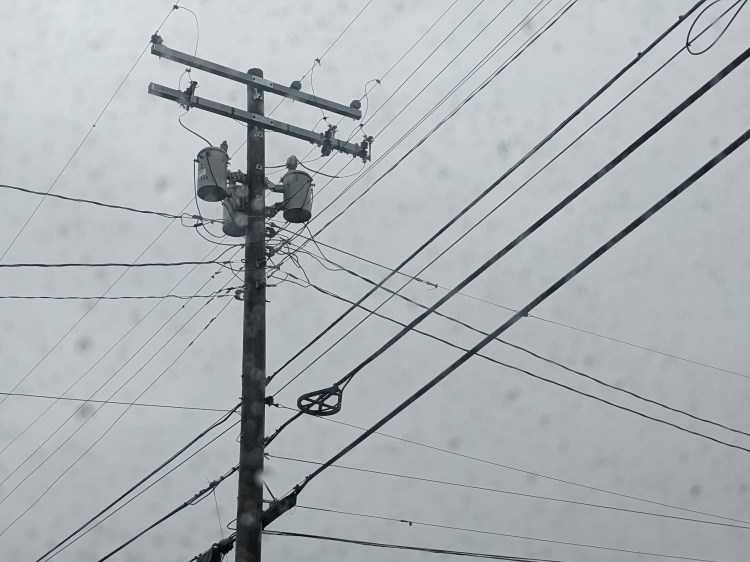
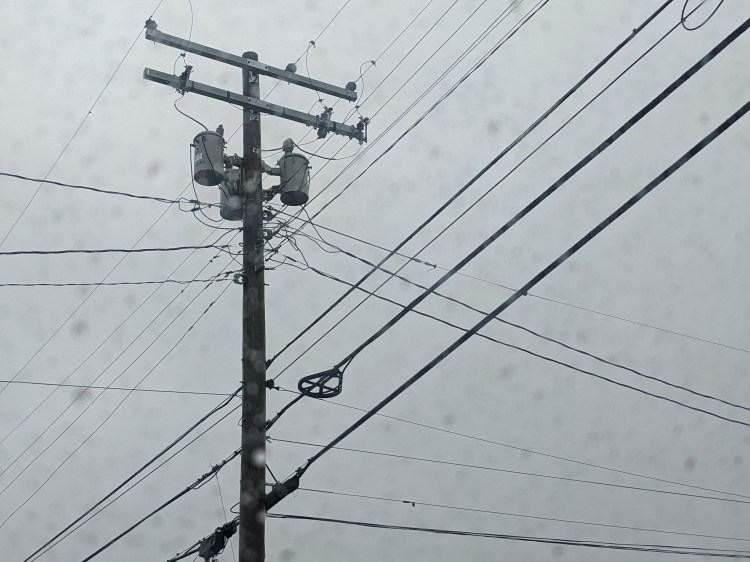
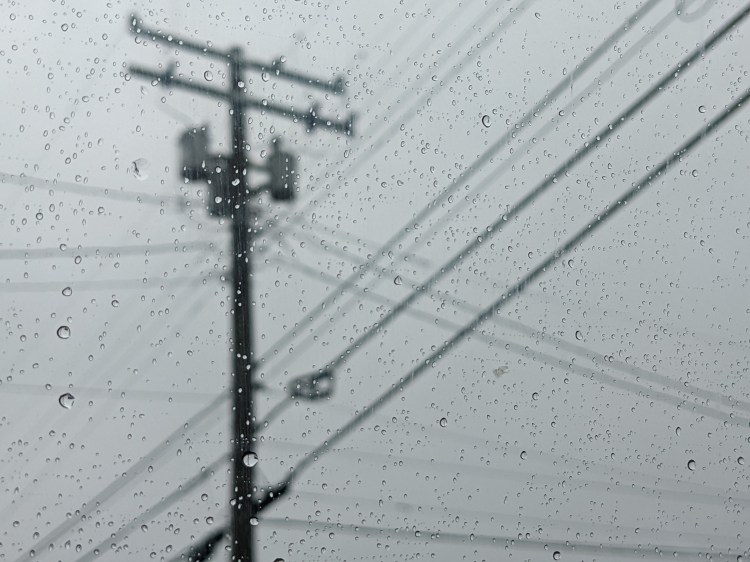
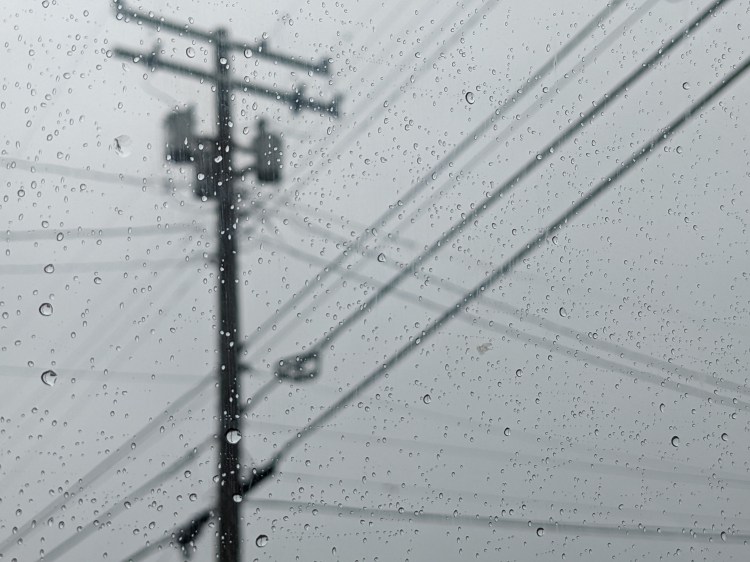
Jeffersontown, KY. February 17, 2022. Shot with Google Pixel 5a.

 KIENAN TOY