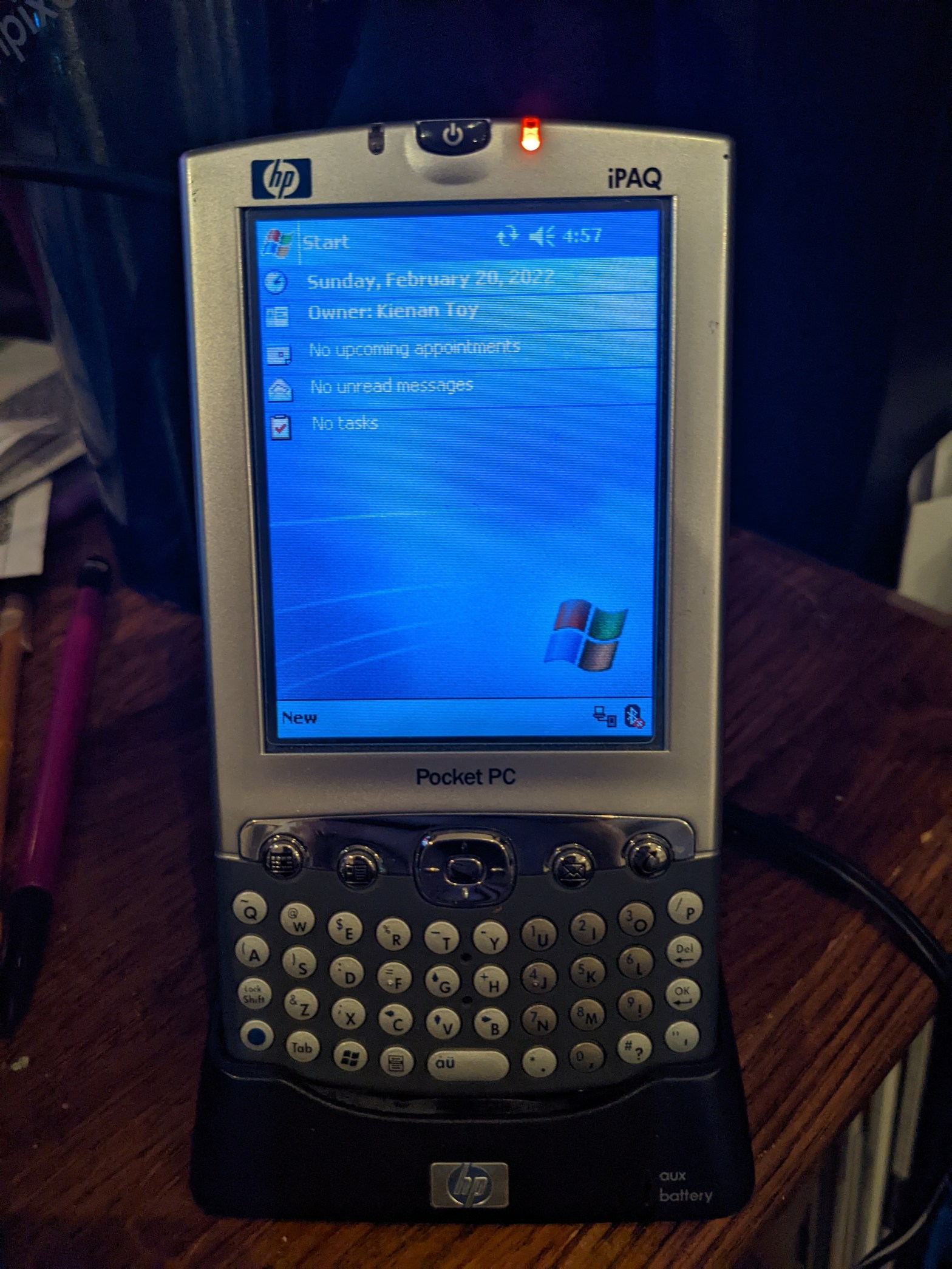
Before smartphones like the iPhone dominated the mobile computing industry, oftentimes power-users who needed to get stuff done on the go would share their pocket space between their cell phone and something like this.
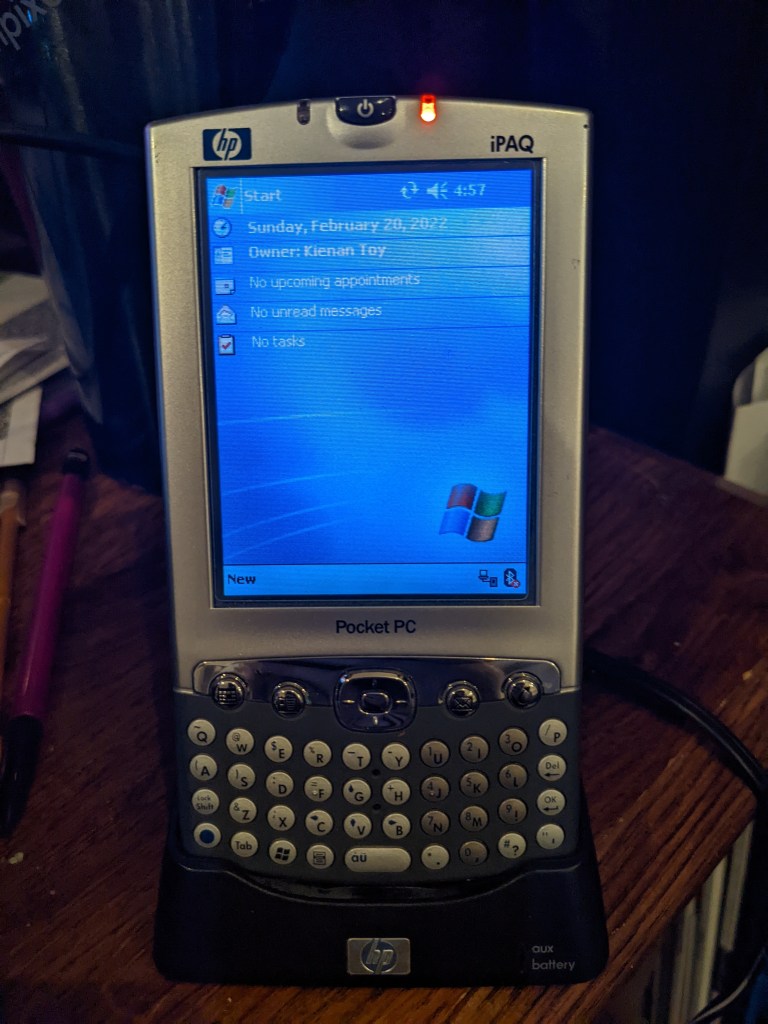
This is the iPaq, a “Pocket PC” by HP. Really, it’s just a PDA (Personal Digital Assistant, not public display of affection,) but it was adorned the Pocket PC name because it actually runs Windows.
It might not be the version of Windows you’re used to seeing on a desktop or laptop computer, but deep down it’s running a lot of the same code, though admittedly a much more optimized version of it for much less powerful hardware. Think of it as more of a predecessor to Windows Phone, because that is indeed what it is. Windows Mobile eventually became Windows Phone. Don’t get it confused though, this isn’t a phone. It’s simply a digital organizer with a few tricks up its sleeve.
Funnily enough, I actually got this specimen because a friend of my boss’s dropped off a box of tons of tech goodies yesterday, including an Iomega ZIP drive and quite a few disks, some X10 home automation stuff, a boxed copy of Windows 7, and the crappiest little camera I’ve ever seen, which I’ll definitely be covering someday. He told me I could look through it and pick out whatever I wanted, and the little iPaq stuck out to me like a sore thumb. It came in a plastic baggie with its dock, charger, and some sort of reference manual about the thickness of an actual phone book.
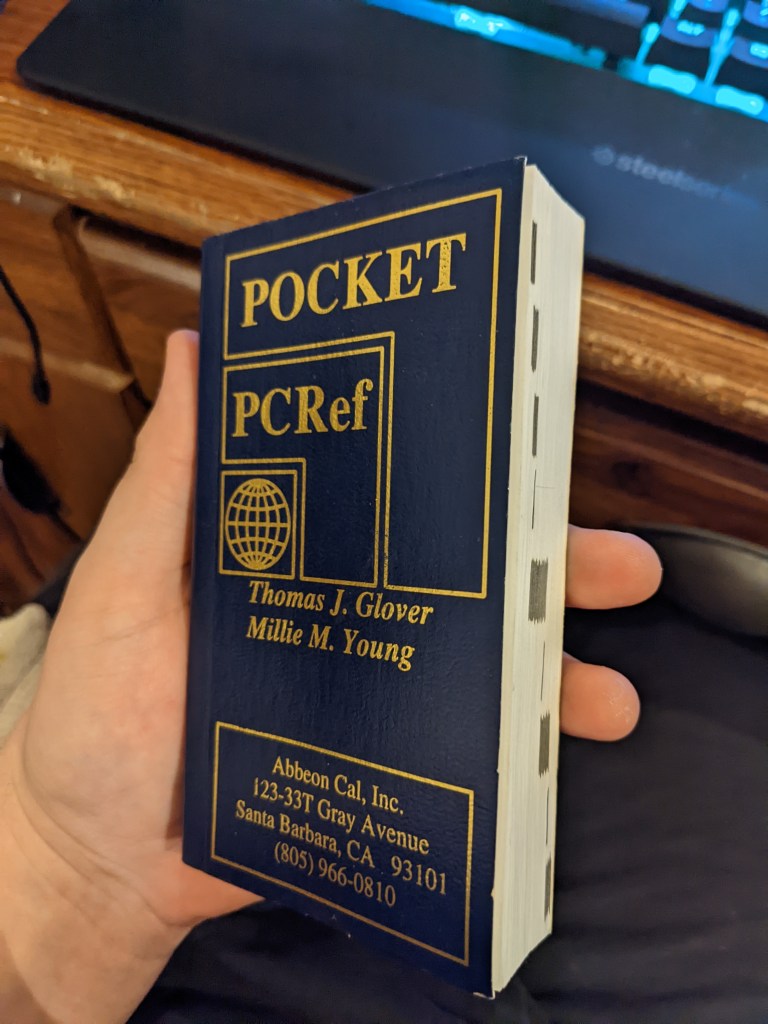
Seriously, this thing is a chonkster, and even after flipping through it I still don’t have much of an idea of what it’s actually for. It’s filled with a lot of codes and program names.
Getting this thing to work was kind of a pain in the butt. Yeah, surprise-surprise, technology from around the time I was born doesn’t work that well with modern operating systems. Nevertheless I was able to get it to work by downloading a program Microsoft doesn’t even host anymore from a sketchy website and downloading a Windows 10 patch for the program from an even sketchier website.
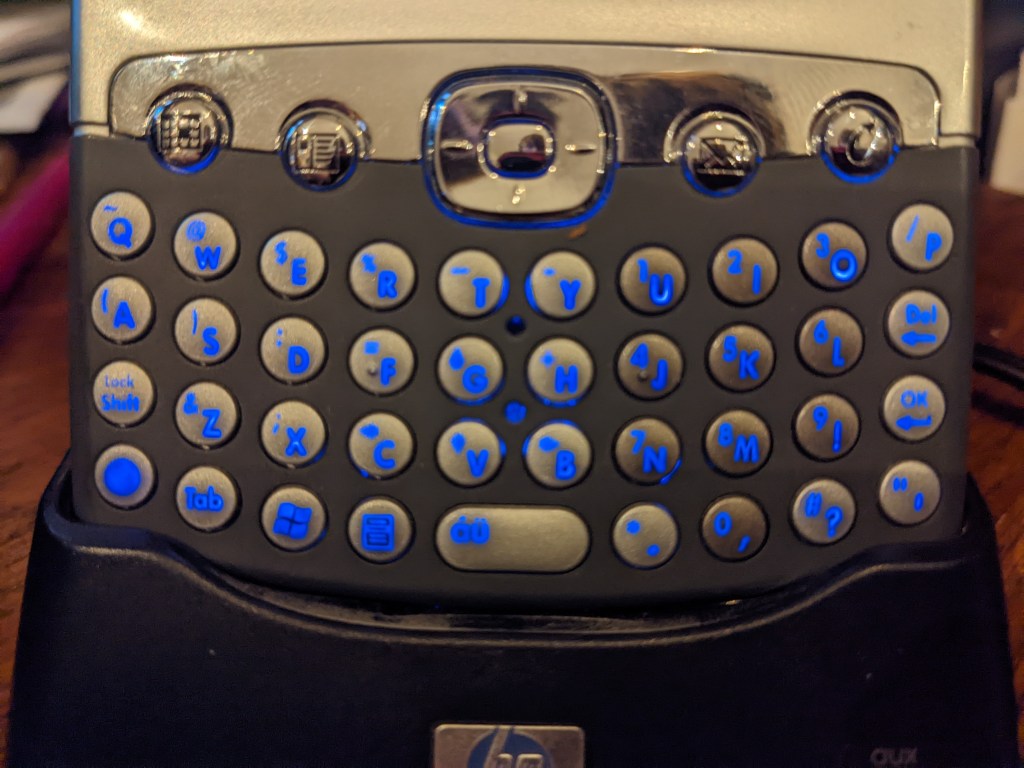
How is it to actually use? Well, the best thing I can compare it to is a Nintendo DS. You know how the screen on the DS wasn’t really like a modern phone screen and you had to press kind of hard for it to register? It’s the same type of screen here, though HP did a good job of making it feel more premium. The physical keyboard is amazing to use, the buttons are perfectly clicky, and believe it or not, it lights up!
The OS is snappy and makes pleasant bleeps and bloops as you poke around it. There’s a surprising amount of stuff you can do with it, too. You can play MP3s and videos with Windows Media Player (though you’re limited to WMV format unless you can get a third-party player to work, which I haven’t yet), make documents and spreadsheets with Pocket Word and Excel, and if you have an older version of Outlook on your PC, you can sync your email inbox, notes, calendar, and contacts and have all of it with you on the go. The WiFi on it is kind of old and weird so I can’t get it to work with our super-modern router, but theoretically it can still browse the web with Internet Explorer. Also, since it’s running Windows, you can still find plenty of apps for it archived over the years for things like GPS, reading ebooks, and even some games.
You’re probably thinking to yourself, “What’s the point if I can just do all this on my phone?” And you’re right to think that way, there’s no point in seriously doing any of this. We’ve progressed so far with technology that using this thing is more of a hindrance than a convenience anymore, but I just think it’s so cool to be able to take a glimpse into life before the iPhone and see how tech enthusiasts got their fix before the magic of technology all but wore off from oversaturation. Plus, it might make a cool music player for my car or something.
 KIENAN TOY